View Prototype
View Prototype
Overview:
Span is a desktop app designed to help users manage and monitor their screen time (time spent on different apps
using their device)
Overview:
Span is a desktop app designed to help users
manage and monitor their screen time (time spent
on different apps using their device)
Role:
User Experience (UX) Designer
Team:
Fawaz Ojomu
(Solo)
Duration:
1 week
Design Process:
My design process differ sometimes, it depends on the kind of project I’m working on. Here's the design process
I followed for this project:
Research
Mood board
Design
Now, let’s see how it works!
Design Process:
My design process differ sometimes, it depends on
the kind of project I’m working on. Here's the design
process I followed for this project:
Research
Mood board
Design
Now, let’s see how it works!
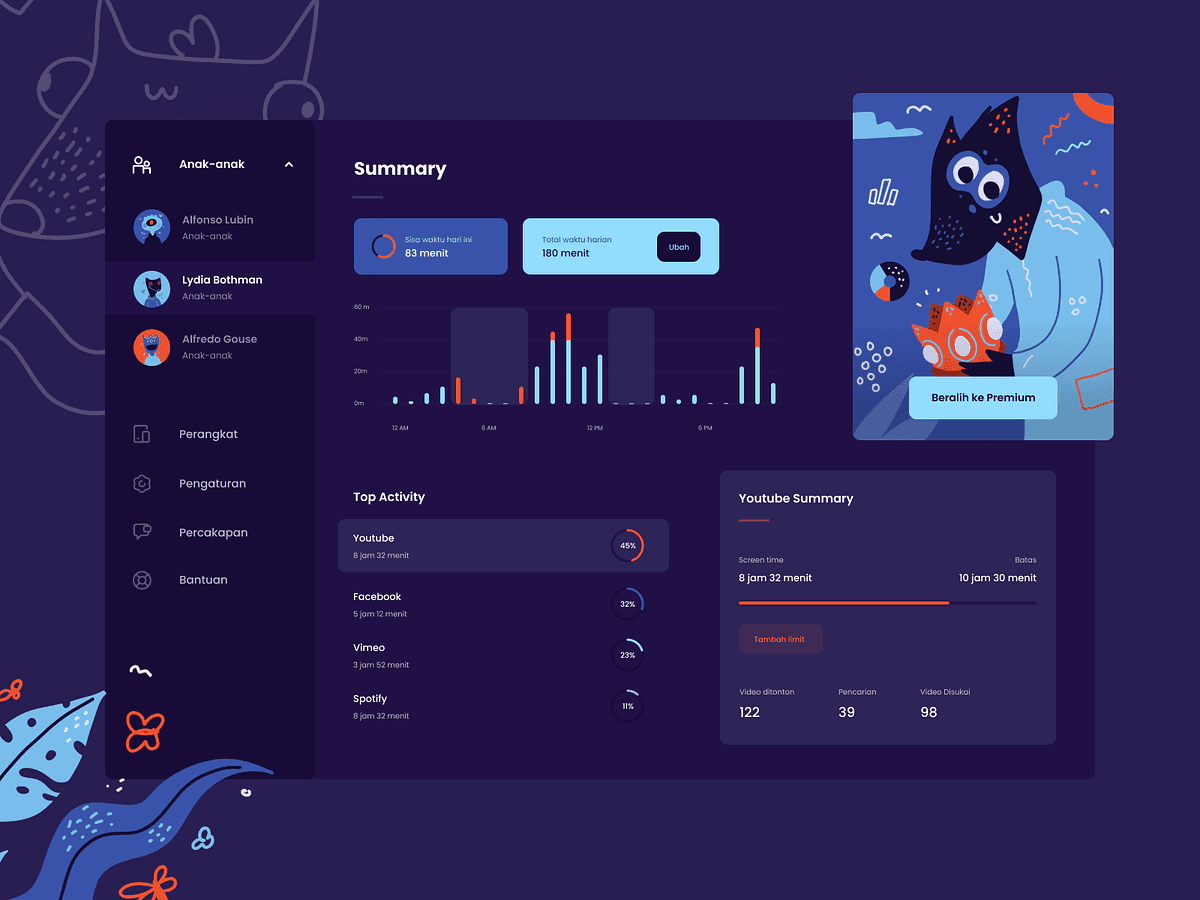
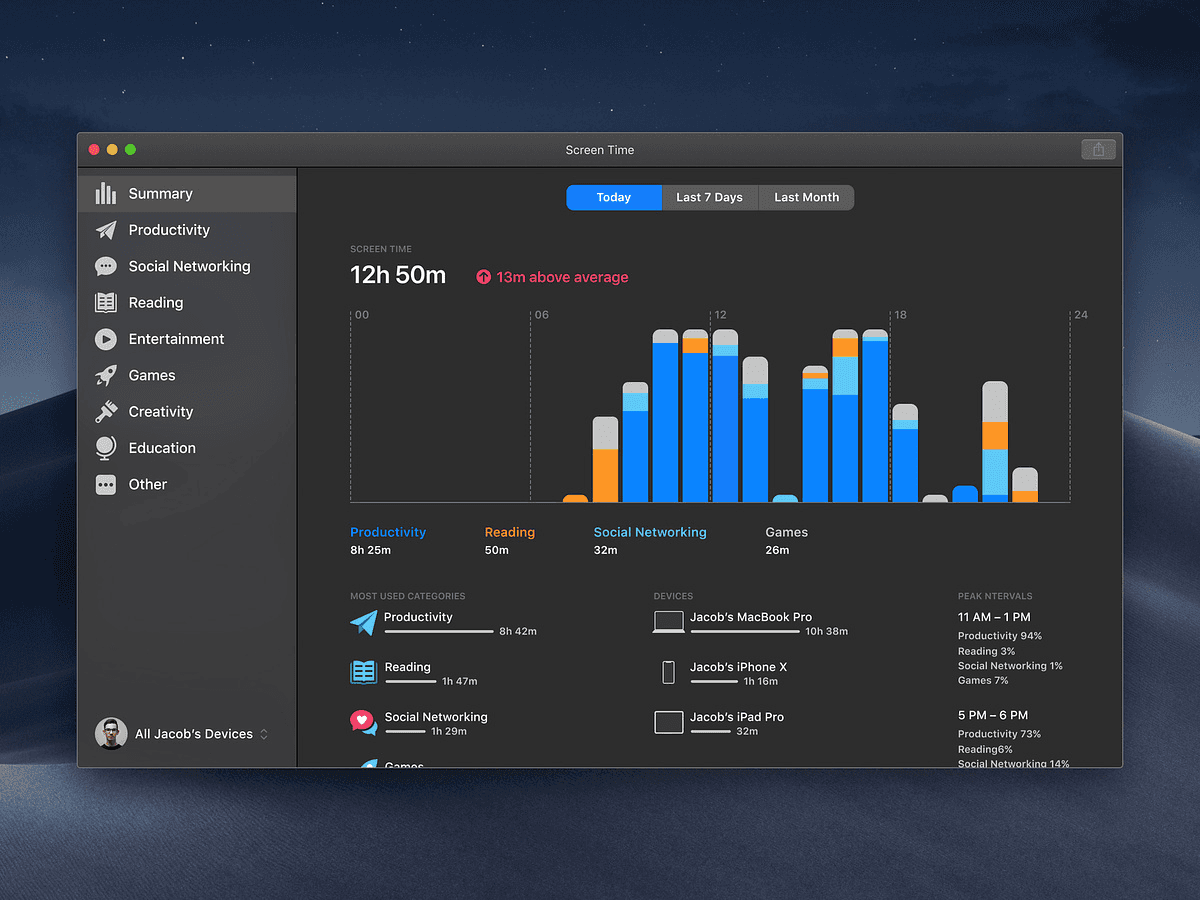
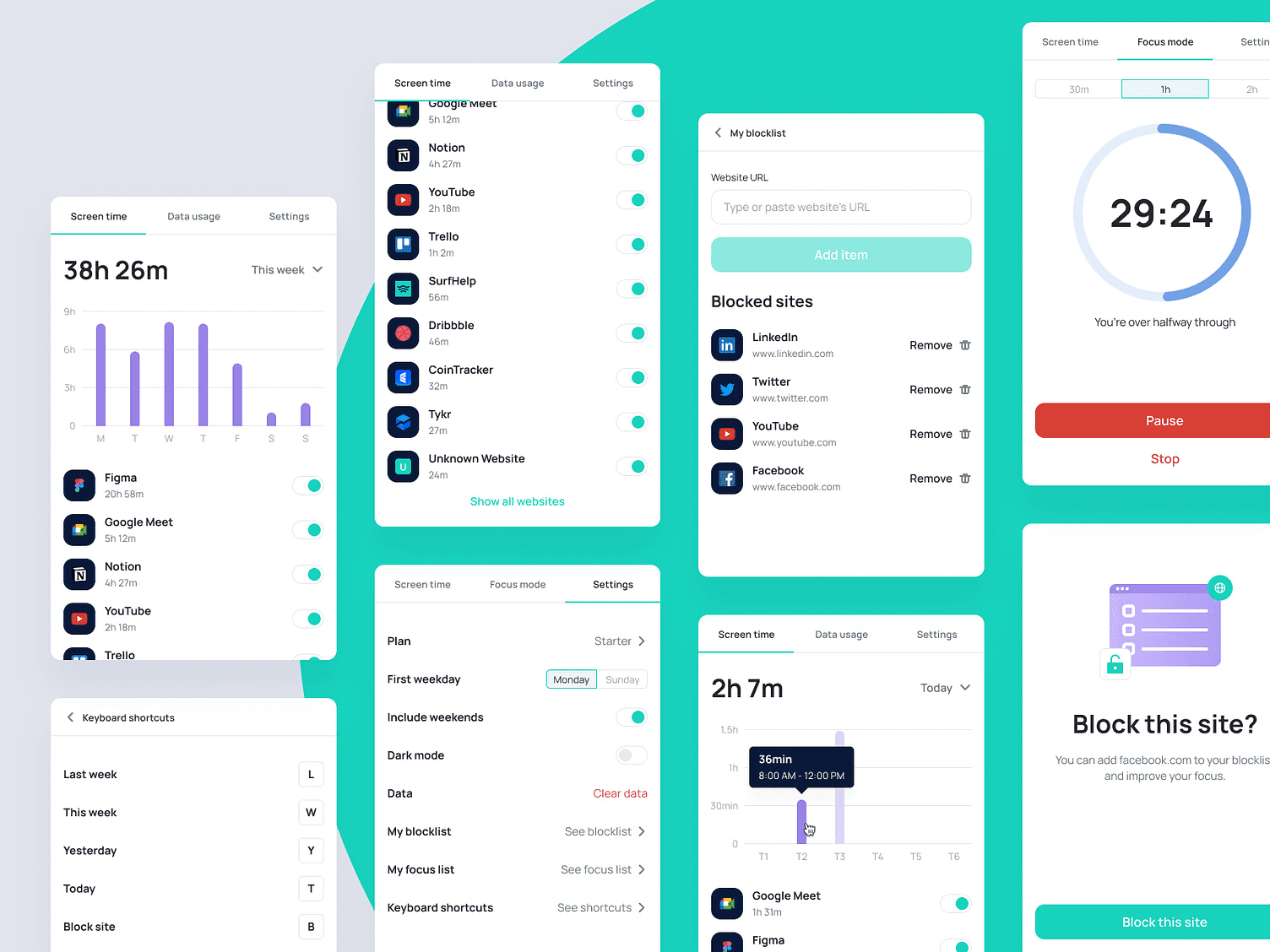
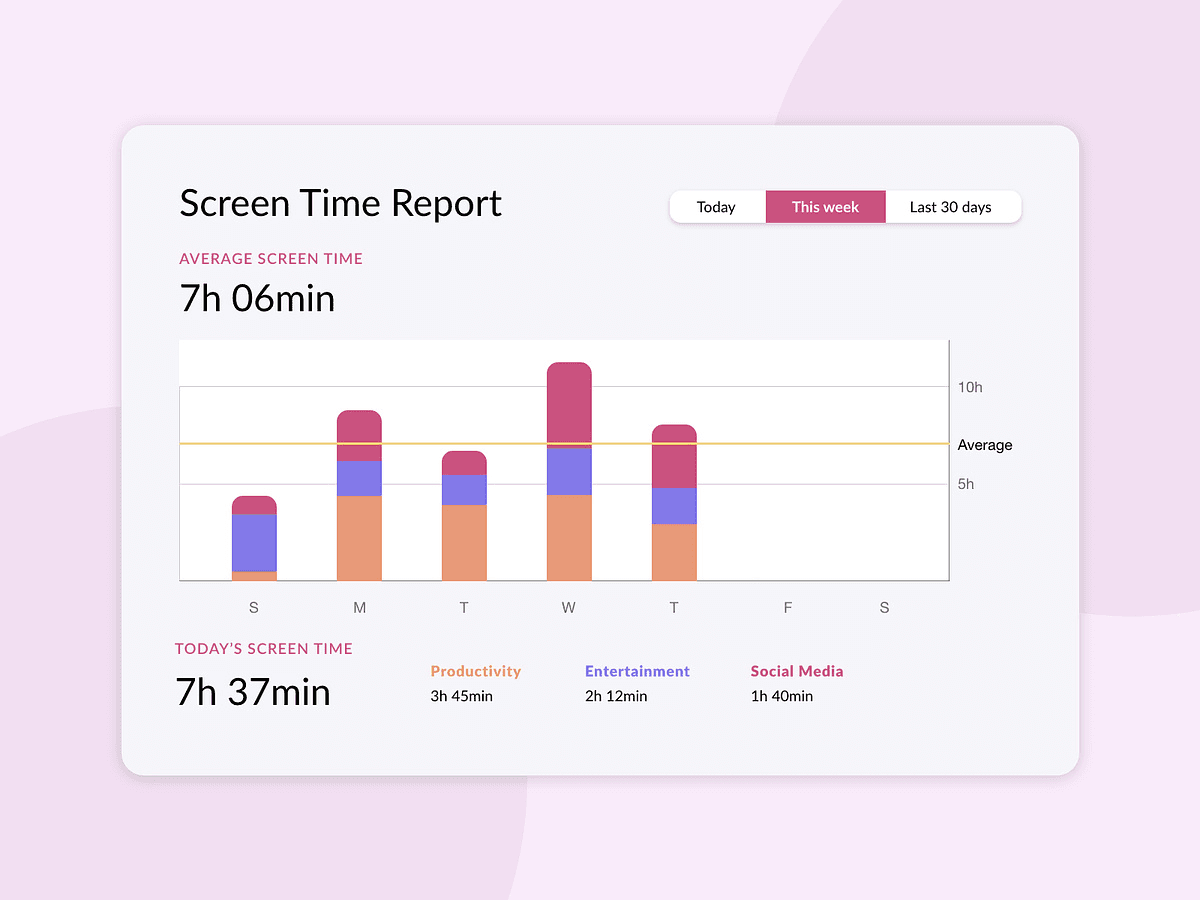
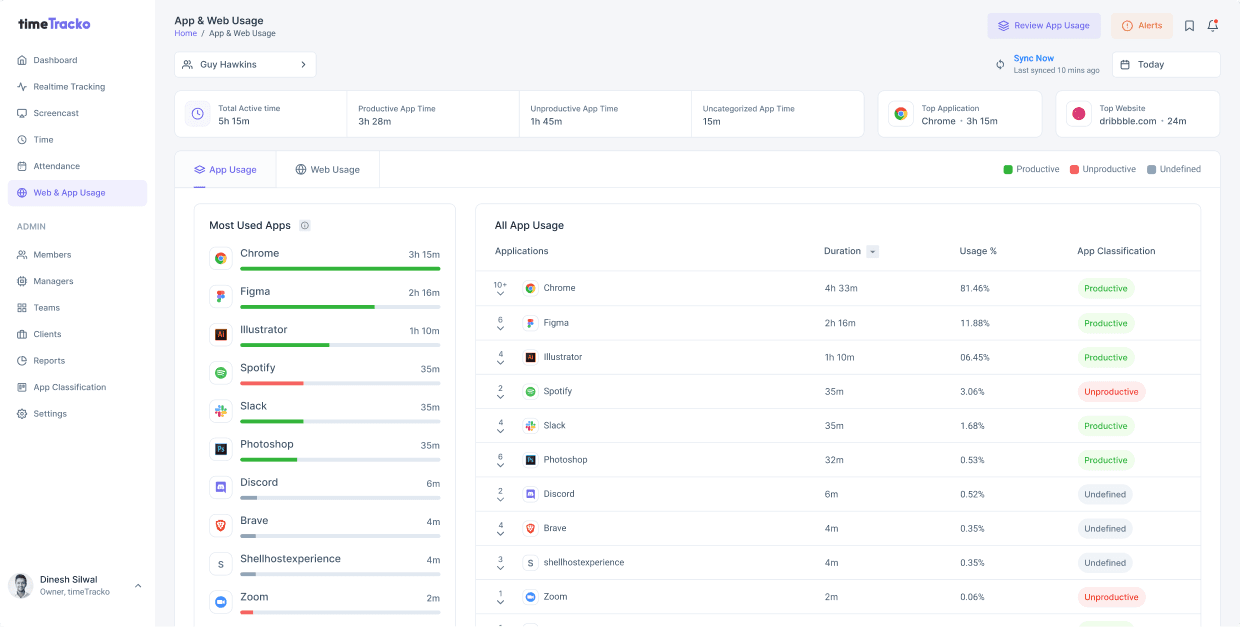
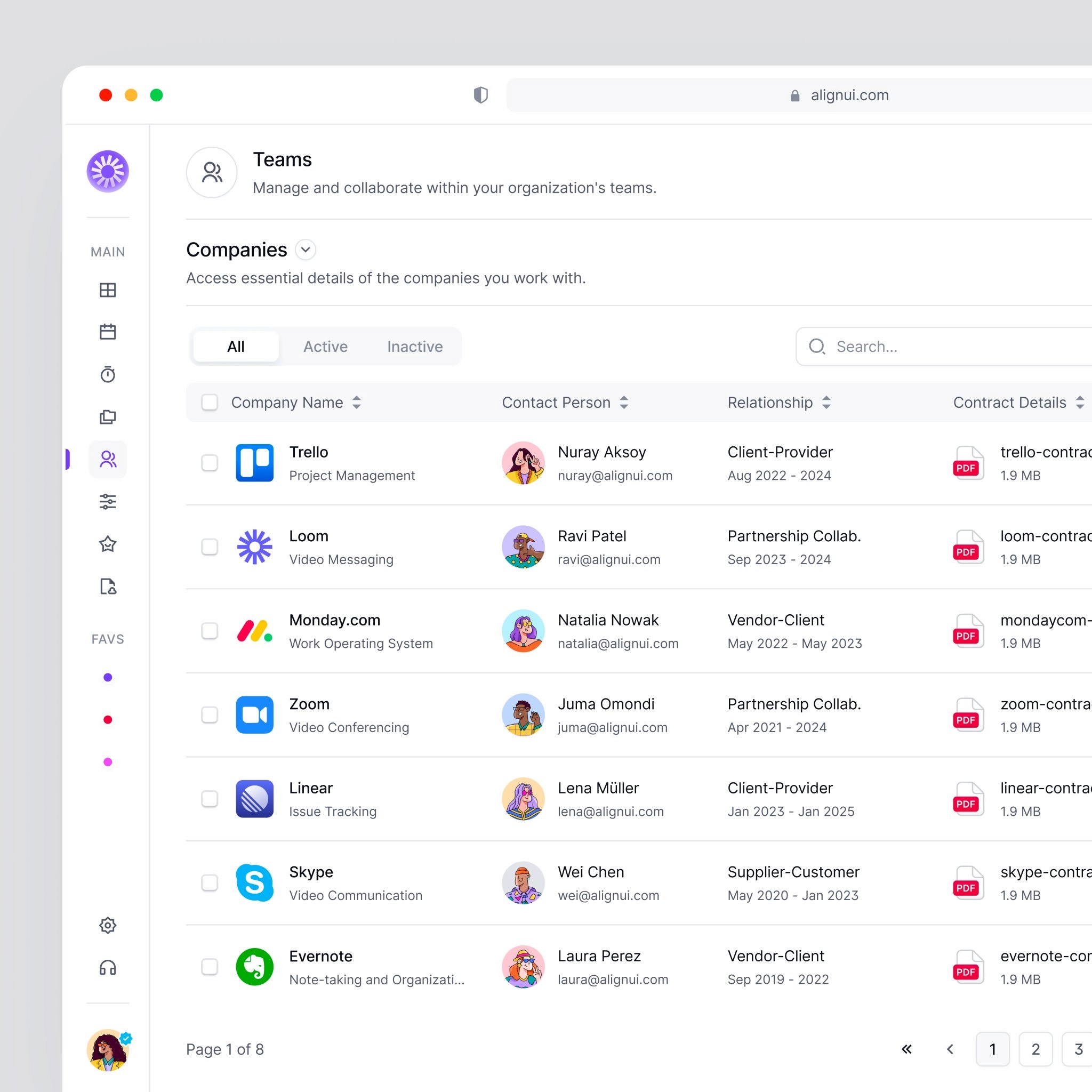
Research & Mood board:
At this phase, I was able to browse and gather similar design images, so I could easily bring forth the screen time app UI
I intend to design, through the gathered images.
Research & Mood board:
At this phase, I was able to browse and gather
similar design images, so I could easily bring forth
the screen time app UII intend to design, through
the gathered images.
Mood board
Now, Let’s go!
Now, Let’s go!
Design:
Design:
After creating a mood board, I was able to digest more insights on screen time apps, and how they generally work.
After creating a mood board, I was able to digest
more insights on screen time apps, and how they
generally work.
Splash screen:
The Splash screen was just about putting the product’s logo on the screen, although I made sure it was properly
center-aligned.
Splash screen:
The Splash screen was just about putting the
product’s logo on the screen, although I made sure
it was properly center-aligned.
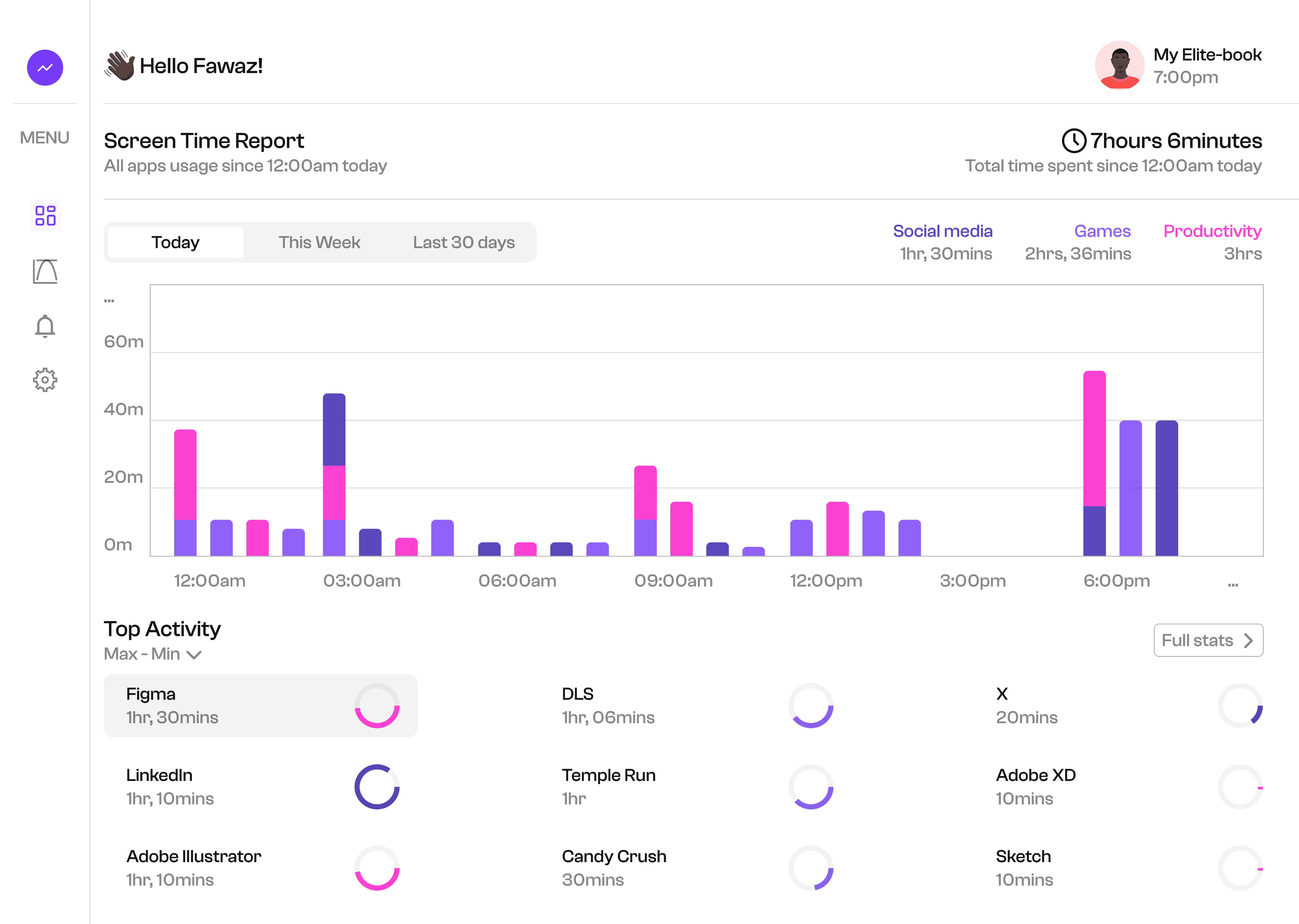
Dashboard:
The dashboard was designed in a way that looks visually appealing, seem quite understandable, and easy to use.
This screen represent the main overview, displaying the user's current screen time statistics, and other key
insights
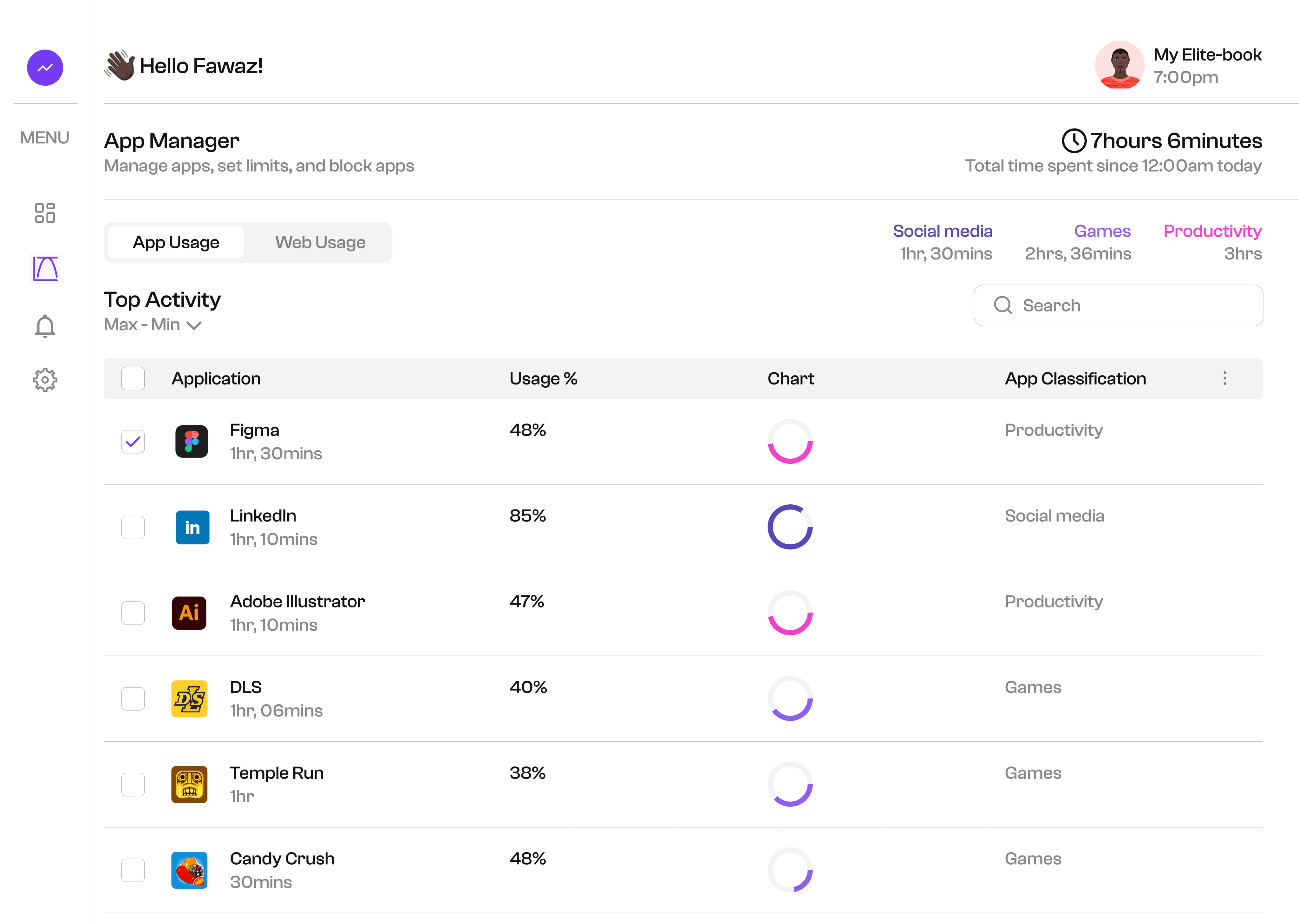
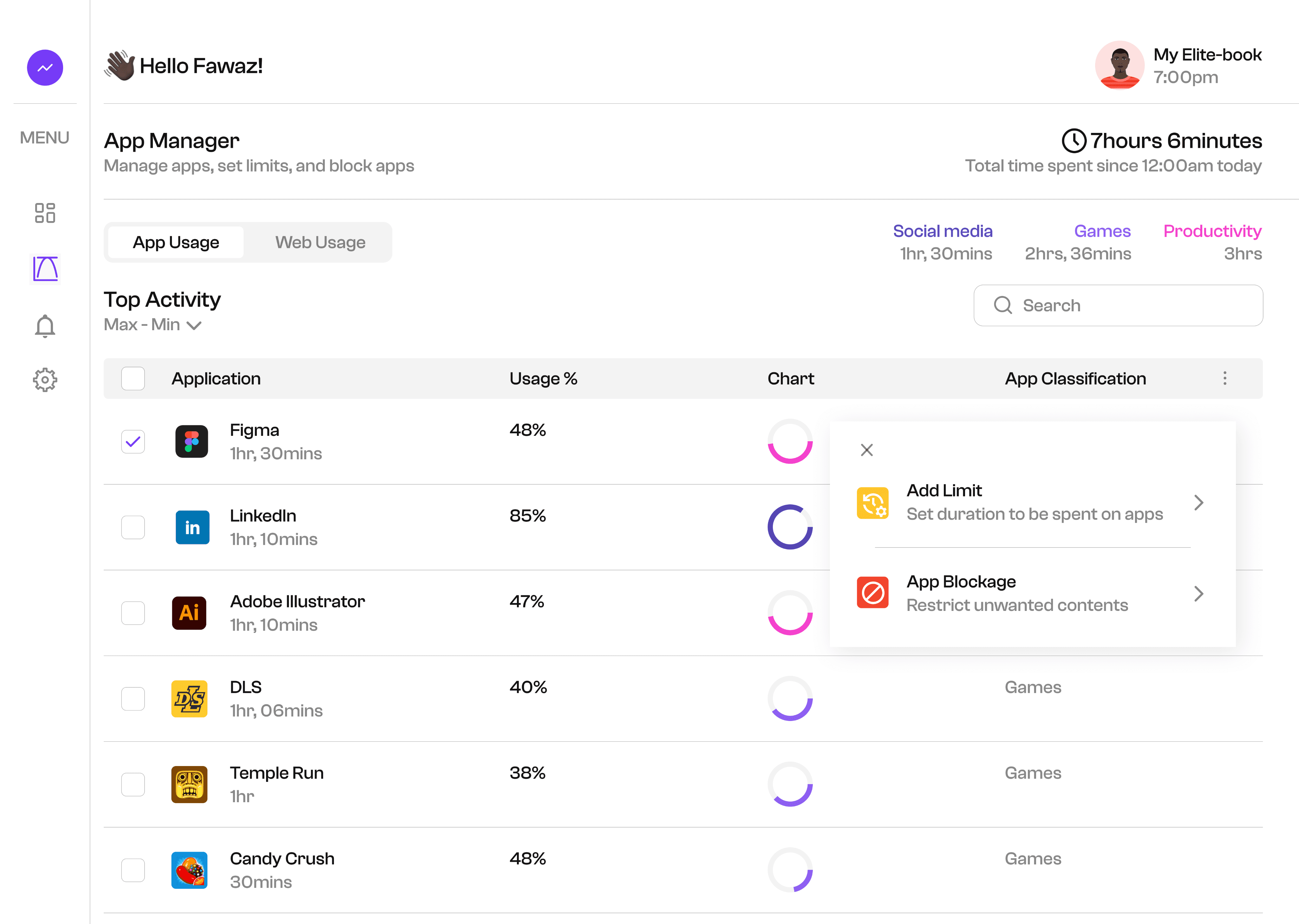
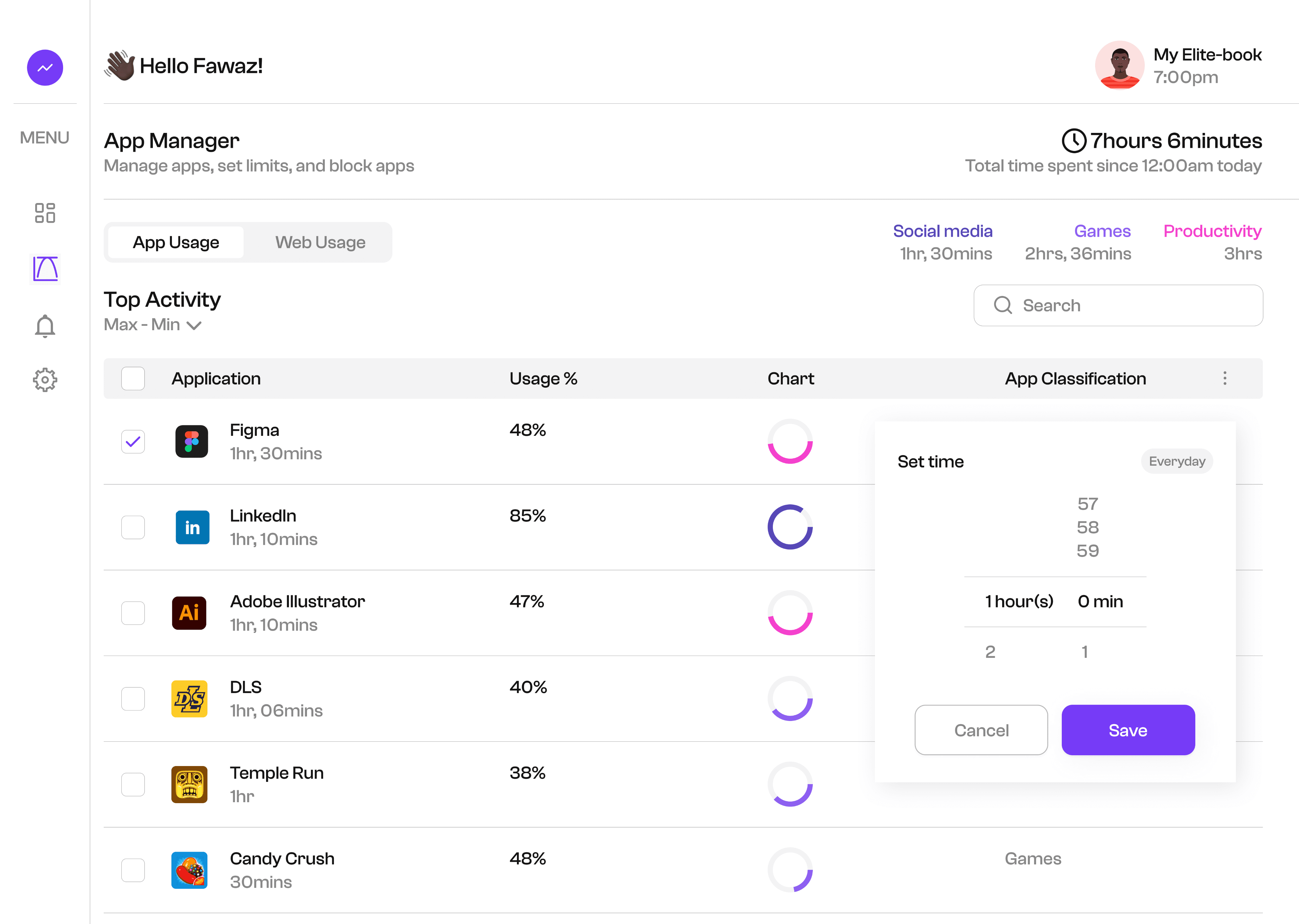
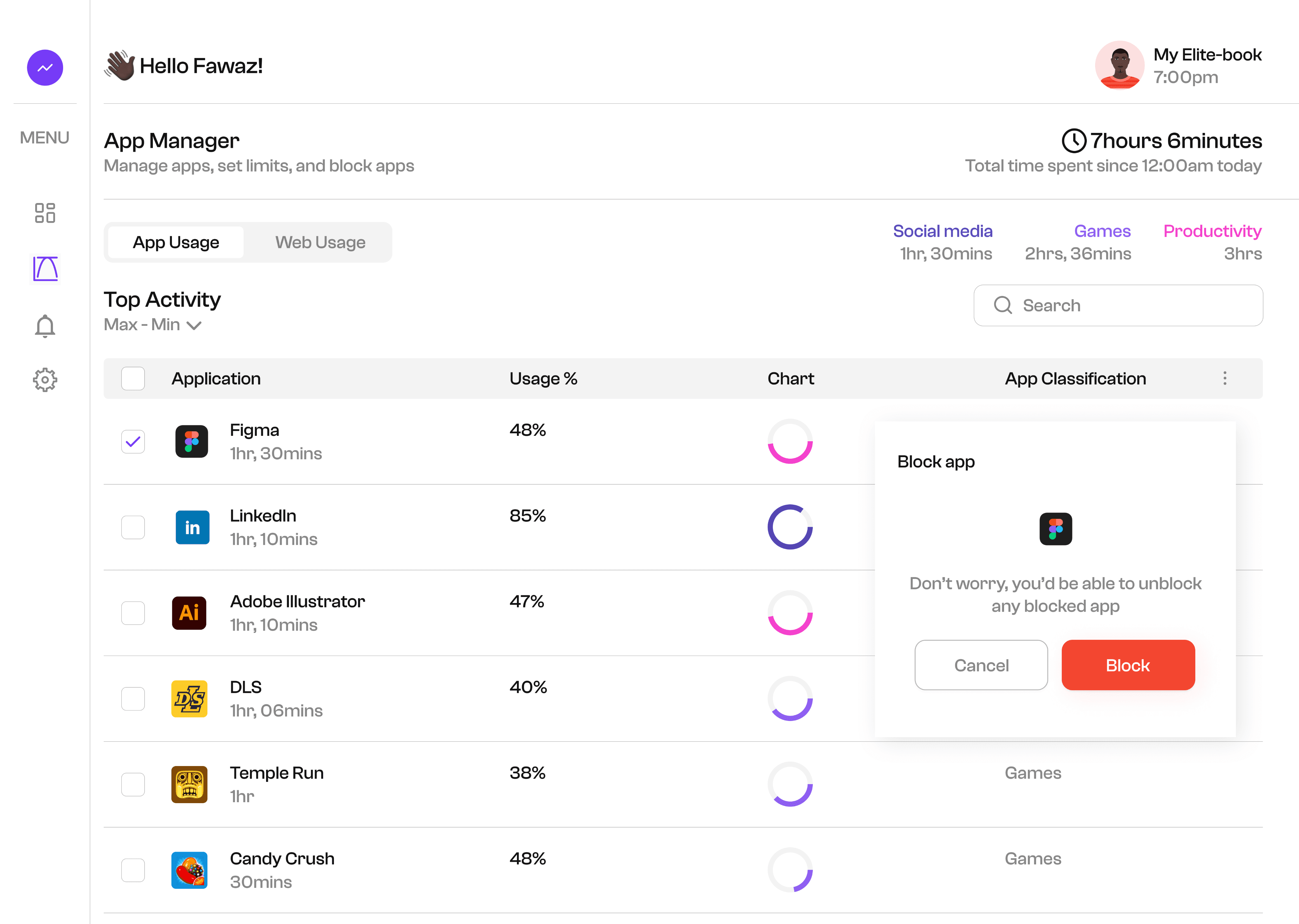
App Manager:
This screen displays the full screen time statistics,
where each app statistics is being analyzed.
It's also possible to carry out some functions
(such as: app blockage, app limits, and so on) on the
App Manager page.
App Manager:
This screen displays the full screen time statistics,
where each app statistics is being analyzed.
It's also possible to carry out some functions
(such as: app blockage, app limits, and so on) on the
App Manager page.
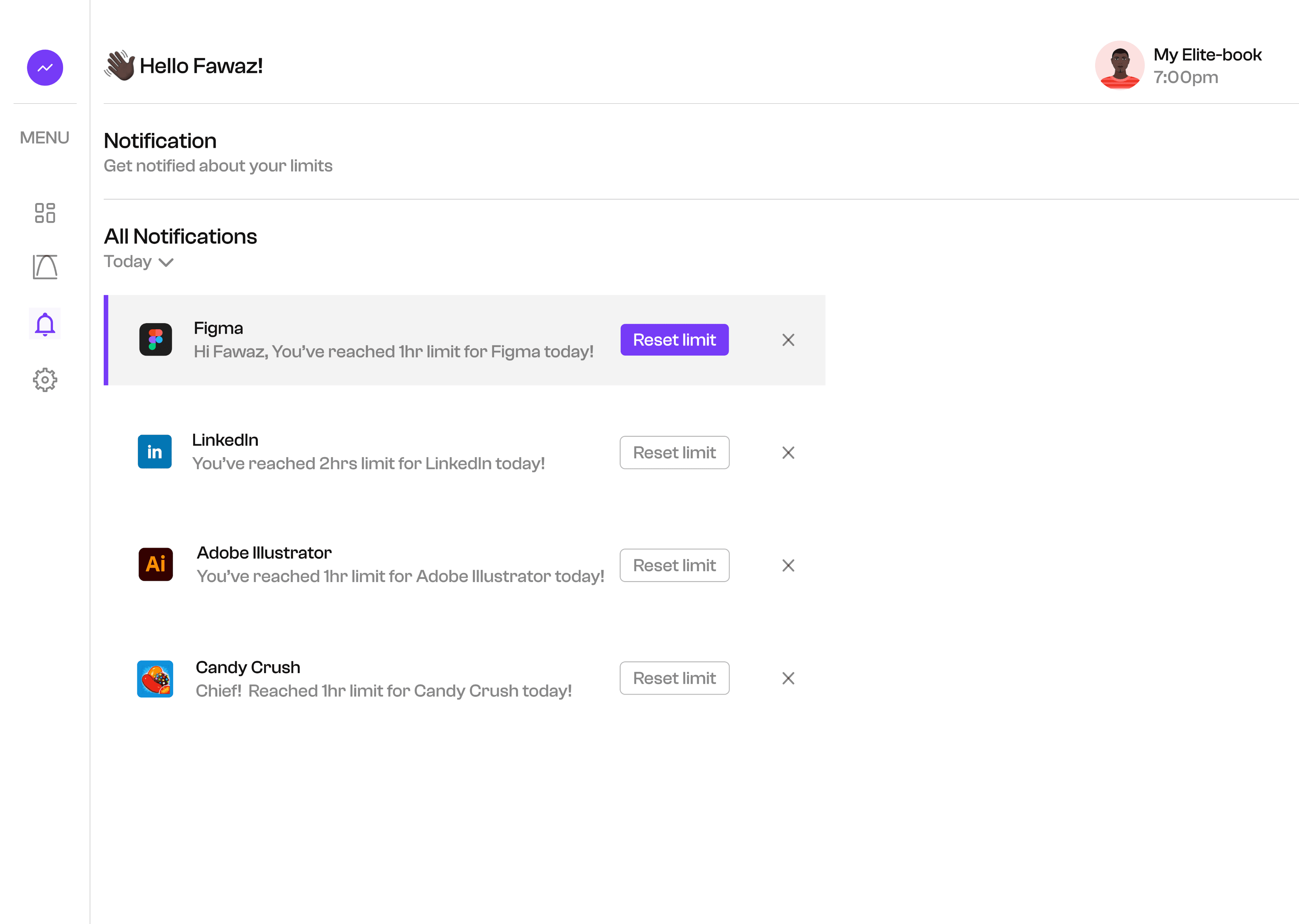
Notifications:
The notification page was intended for receiving alerts or reminders when users approach their app time limits.
The users can reset limits directly for each app they receive alerts for, through the notification page.
App Manager:
This screen displays the full screen time statistics, where each app statistics is being analyzed. It's also possible to
carry out some functions (such as: app blockage, app limits, and so on) on the App Manager page.
Dashboard:
The dashboard was designed in a way that looks
visually appealing, seem quite understandable,
and easy to use. This screen represent the main
overview, displaying the user's current screen
time statistics, and other key insights.
Span
Conclusions:
This project was an amazing one, it took just a week to complete. I was able to learn more on how desktop apps are
designed. Also, I gained more insights on designing UI components. It was an awesome experience, I enjoyed every
bit of it.
Conclusions:
This project was an amazing one, it took just a week
to complete. I was able to learn more on how desktop
apps aredesigned. Also, I gained more insights on
designing UI components. It was an awesome
experience, I enjoyed every bit of it.
Let's Connect
Let's Connect
Get in touch for opportunities or say hi
if you would love to collaborate.
Get in touch for opportunities or say hi
if you would love to collaborate.
Span
Role:
UX Designer
Team:
Fawaz Ojomu
(Solo)
Duration:
1 week